Teaching Myself SLAM By Making Claude Code Teach Itself SLAM
Last year, when Claude Code started getting really good, I asked Claude to teach me the SLAM algorithm, and so we built a working prototype together. It wasn’t perfect, but I learned quite a lot. At Fieldwire, we’ve been doing quite a lot of work with our Computer Vision researchers, so this seemed like a good opportunity to give myself a crash course on both CV concepts as well as a chance to play with Claude Code a bit more outside of my normal workday.
This weekend, nearly a year later, I tried a rematch, but this time with Fable. I wanted to see what Fable could do, and I also wanted Fable to write its own curriculum. I’d help do the homework, but I was curious to see what Fable could come up with in terms of teaching, learning, and breaking the work down into achievable milestones.
But let’s back up. What is SLAM, you may ask? SLAM stands for Simultaneous Localization and Mapping. It enables you to walk through a building with a 360 camera, and the algorithm can generate a path trajectory from the video (and the video’s metadata). SLAM’s got a lot of useful applications, from Roombas, to autonomous vehicles, that sort of thing.
SLAM has a lot of subconcepts and components, so I thought it’d be great to have Claude Code try to break these down into a learning plan. To start, Claude needed to learn to use algorithms to compute feature extraction (wall edges, corners, etc). After that, Claude needed to figure out visual odometry (calculating how much you moved based on visual identifiers). Then it needed to do a lot of the hard parts of SLAM, mapping and optimization.
In the end, Claude wrote fourteen lessons. Spherical camera models, epipolar geometry, RANSAC, bundle adjustment, loop closure. It wrote a theory lesson as well as test cases that needed to pass to advance to the next lesson. It ran worker copies of itself through the lessons in parallel while I studied.
The tech stack and the harness
The lessons went into beads (the fantastic issue tracker for AI agents, written by Steve Yegge). I had Claude Code build itself a lightweight orchestration layer on top of that, but the harness didn’t need to handle state since beads does all of that. This worked pretty well: at one point, Claude Code figured out that Lesson 12 didn’t actually depend on Lesson 11, so the harness was able to start writing and reviewing that lesson in parallel (and that was all reflected in the beads that were created).
Each worker was a headless copy of Claude, and each worker got its own git worktree and branch, so the blast radius of a bad worker was pretty small. I also had the harness build a visualizer so I could see the beads getting picked up and the subagents getting spawned.
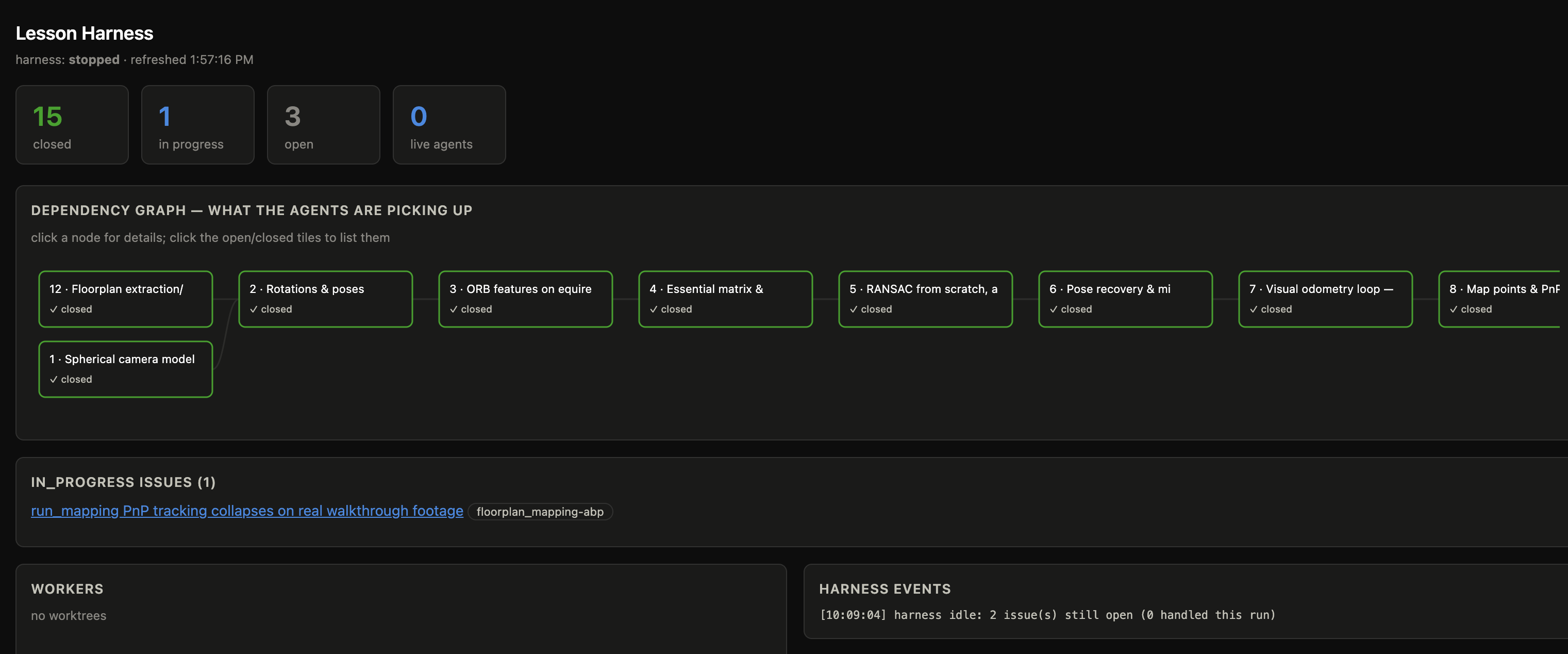 The harness visualizer: the lesson dependency graph, worker status, and the beads.
I picked Python for all of it, for the unfashionable reason that I’m really familiar with it: I know it has lots of great support for relevant tooling (like numpy), and I know the documentation for the tooling is generally great. Reviewability is always the bottleneck for me these days, so it seemed good to stick with what I know and like.
Doing the homework
The lessons themselves were good. Claude came up with quiz questions at the end of every lesson which it made me answer and which it answered in turn.
By lesson fourteen we had a working prototype. Claude created synthetic data: a synthetic room, a synthetic walk, and a little web viewer where I could swivel around waypoints in this artificial room it had created.
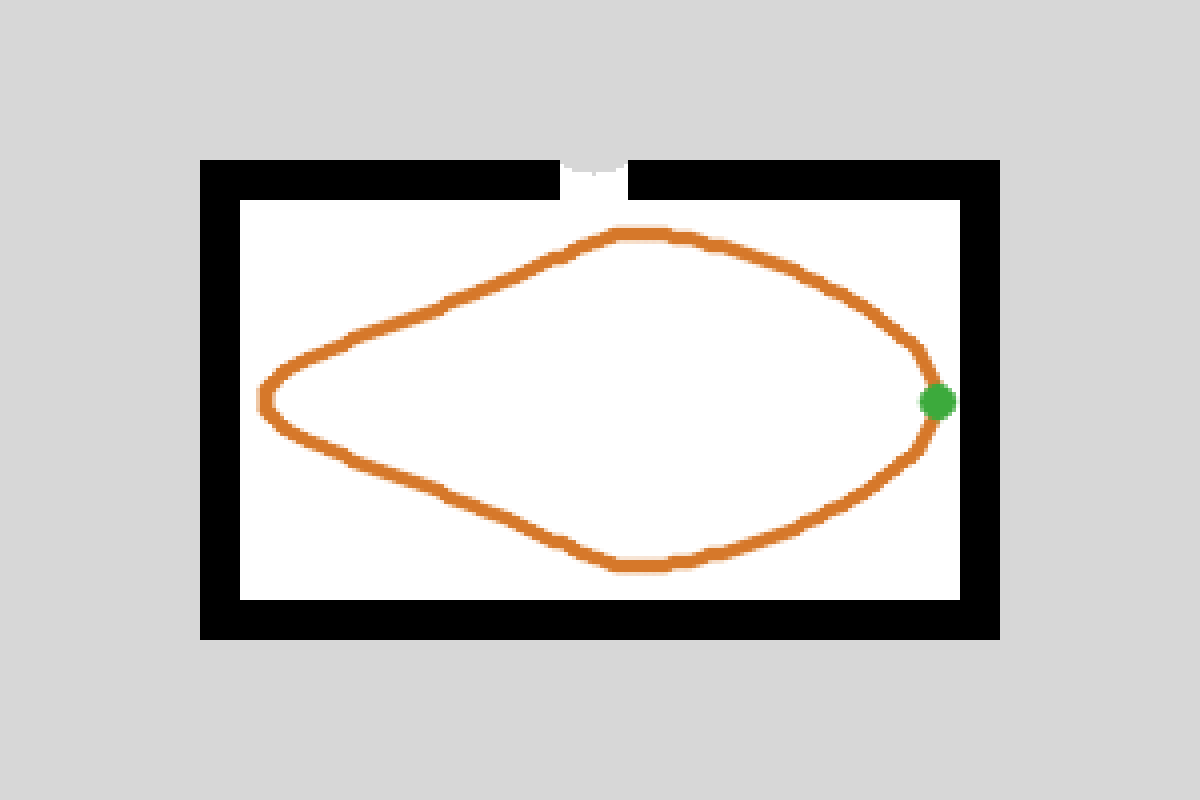 The synthetic walk: a loop trajectory through the artificial room.
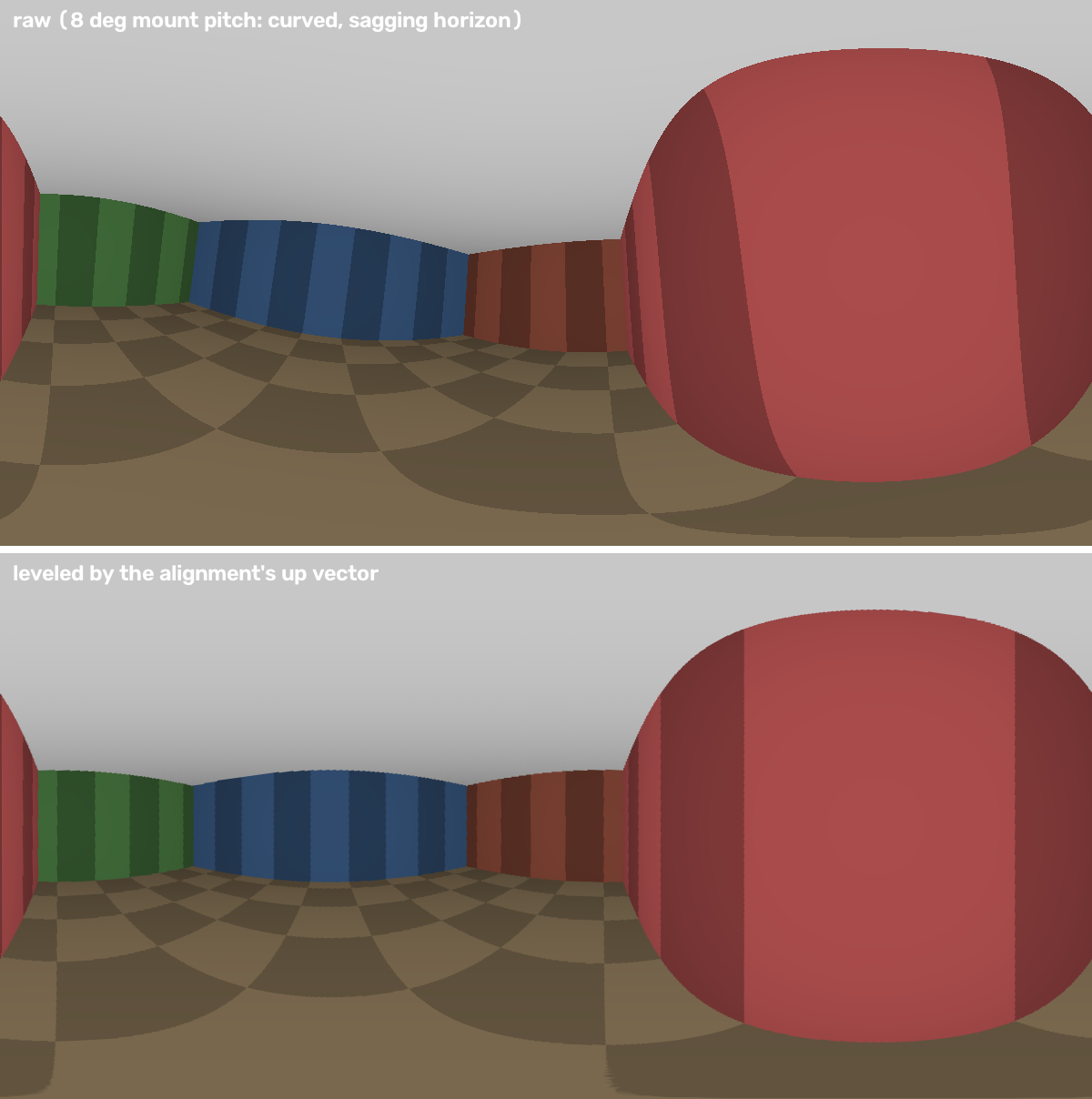 A synthetic panorama from inside the room.
Once I felt good about that, I used some real data!
What didn’t work so well
On the second day of this project, I uploaded a real 360 video and a floorplan.
Initially, things got hairy. The floorplan had walls and furniture with the same stroke width which threw off the rasterization algorithm. Map-based tracking failed the first few tries.
The bigger issue: to recognize a landmark (like the corner of a doorframe, the edge of a window), the algorithm summarizes the pixels around it into a fingerprint (this is called ORB), and it’s important that these fingerprints match later. However, ORB matching was a challenge. Stale fingerprints were losing most of their matches.
We did come up with a human-in-the-loop workaround: when I submitted the 360 video, I’d click on the floorplan with periodic timestamp anchors to cut down on drift (about every minute or so). So I’ll confess the current implementation somewhat circumvents the chicken-and-egg part of building a map and locating yourself in it at the same time, which really is the hard part of SLAM. So yeah, next time, I’ll probably look into swapping out the object fingerprinting. Fable still performed pretty impressively by helping me build this human-in-the-loop tool.
My verdict
There’s probably a lot of things to do better, and I’ll probably implement them someday when I have time (and tokens). I’ll look into optimizing the feature extractor. I’ll admit I rushed through the last few lessons, so I’ll revisit them too. ;)
As for the verdict on the Fable rematch? It wrote a really good curriculum. For other learners, there’s a couple of pretty good YouTube SLAM videos that I’d supplement this with, but Fable did break down the chapters pretty well. This time, Claude developed a better test suite, thorough drift plots, and good reporting on errors. It really showed its work along the way, from generating synthetic data to summarizing its work in beads as it went. It helped me build the HIL drift correction tool really quickly.
I’ve said in my recent posts that I want to use my blog to explore what AI does to my own craft. I’d say this was a successful field report. Claude was great at doing the homework problems. But it’s still worth it for me to do the homework problems too.
The whole thing is up on GitHub at phrenchphry11/floorplan_slam if you want to take a look.